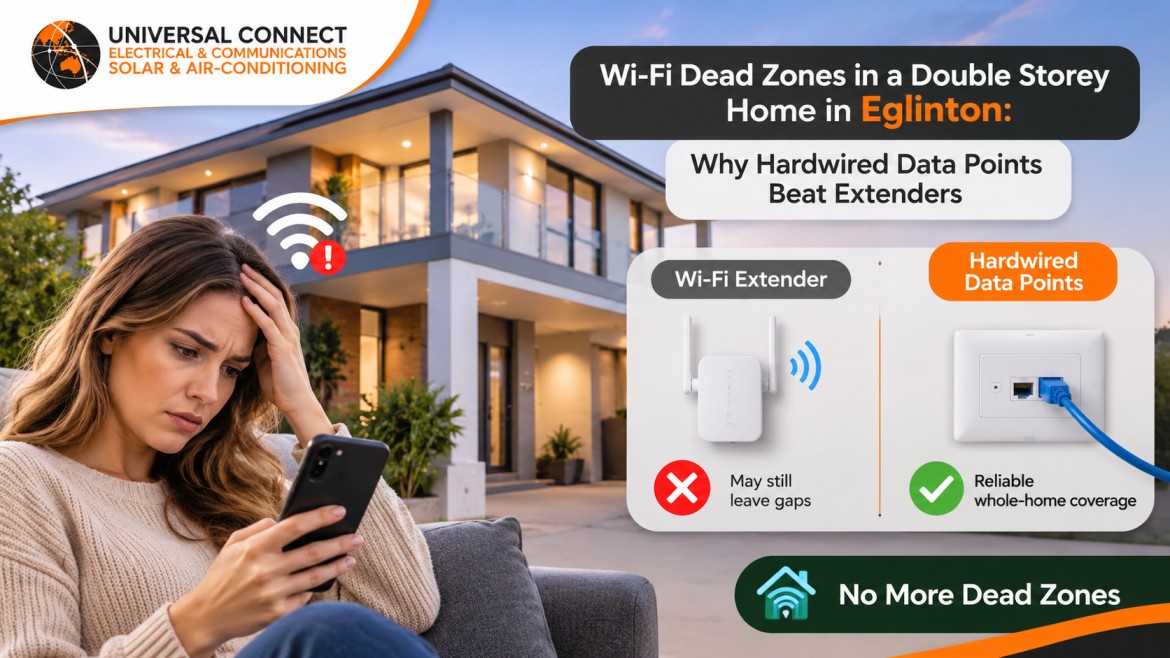
Your kids are upstairs on a school video call. You are downstairs streaming the footy. Then the call freezes, the stream buffers and someone yells that the Wi-Fi is down again. You bought an extender last month. It did not fix anything.
This is one of the most common complaints we hear from families in two-storey homes across Allara and Amberton Beach. The internet plan is fast. The router is new. The problem is the house itself. That is why hardwired data points for double storey home eglinton families install now are becoming a standard upgrade, not a luxury.
This guide explains why Wi-Fi struggles in double storey homes, why extenders rarely solve it, and what a licensed electrician eglinton homeowners trust does differently. You will also learn where to put data points, how much cabling you really need, and the mistakes that waste money.
Wi-Fi is a radio signal. Every wall, floor and appliance it passes through weakens it. Double storey homes in Eglinton stack several problems on top of each other.
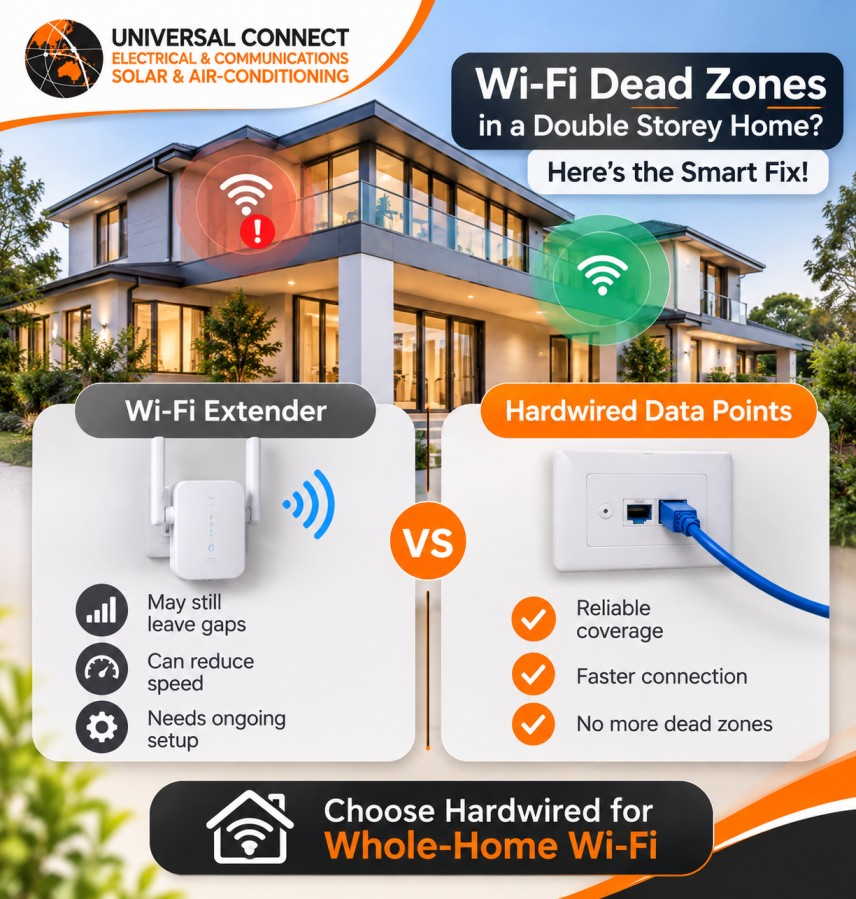
An extender listens to your router’s signal and repeats it. That sounds simple, but it creates three problems.
First, an extender can only repeat the signal it receives. If it sits where the signal is already weak, it repeats a weak signal. Second, many extenders talk to the router and to your device on the same radio, which can cut usable speed sharply. Third, every extra wireless hop adds delay, which hurts video calls and online gaming the most.
Mesh Wi-Fi is better than a basic extender. A mesh system uses several units that work together as one network. But most mesh systems still pass data between units wirelessly. Through a concrete slab, that wireless link suffers in the same way.
A hardwired data point is an ethernet cable that runs inside your walls from a central location to a wall plate in the room. You plug in a device, and it gets a stable, full-speed connection with no radio signal involved.
We recommend Cat6 cable for almost every home. Cat6 handles gigabit speeds easily over normal home distances, and it supports faster speeds over shorter runs. It costs only a little more than older Cat5e cable, and it keeps your home ready for faster internet plans.
This is where hardwired cabling really shines. A ceiling-mounted wireless access point connects to the network by cable, not by radio. You place one on each floor, and each one broadcasts a strong signal locally.
Most modern access points also run on Power over Ethernet. That means the same Cat6 cable carries both data and power, so you do not need a power point on the ceiling. If you prefer a mesh Wi-Fi kit, connect each mesh unit by ethernet instead of wireless. This setup, often called wired backhaul, gives you the best of both.
Start with the rooms where a strong connection matters most:
Running cable in a finished double storey home takes planning. The biggest challenge is getting from the ground floor to the upper floor without opening walls.
Experienced installers use existing paths where possible. Common routes include built-in robes stacked above each other, pantry or linen cupboards, and the void beside the stair. In homes with timber-framed upper floors, cables can often travel through the ceiling space between floors.
All cables should run back to one central data cabinet. Inside the cabinet, a patch panel and network switch connect every room. Each port gets a clear label, so you always know which wall plate goes where.
Here is a real example. A family in Allara called us about constant dropouts in their upstairs bedrooms. They had already tried two extenders and a three-unit mesh kit. The team at Universal Connect ran Cat6 from a new data cabinet in the under-stair cupboard to a ceiling access point upstairs, the study, the main TV and two bedrooms. We used the stacked robes as a cable path, so there was almost no patching. Their speed tests upstairs went from patchy to steady, and the extenders went back in the box. This is the kind of practical fix a skilled residential electrician eglinton families call should plan from day one.
In Australia, data cabling must be done by a registered cabler. This rule covers ethernet cabling inside your home, not just phone lines. Many electricians hold this registration, which is why families often book one trade for both power and data.
There is also a safety and quality side. Data cables must stay a safe distance from power cables, as cabling rules require, to avoid both safety risks and interference. An experienced electrician eglinton families hire also tests every run after termination, so you know each port works before the walls are closed or the job is signed off.
Reliable electrical services eglinton families use should include testing, labelling and a simple map of where each cable runs.
Not every home starts from scratch. Some builders install a few data points, but the work is not always done well. Common problems we fix include:
Trusted electrical services eglinton homeowners rely on will walk your home first and design the network around how your family uses each room.
If your Wi-Fi drops upstairs, more extenders are rarely the answer. Hardwired data points for double storey home eglinton families install today give stable speed, less buffering and a network that keeps up as you add devices.
A good residential electrician eglinton homeowners trust will check your layout, find a clean cable path and test every point before they leave.
If you are tired of fighting the Wi-Fi, talk to a licensed electrician eglinton families recommend. The team at Universal Connect is happy to look at your home, map out the right data points and help you get fast, reliable internet on every floor.
Most double storey family homes in Eglinton work well with six to ten data points. A common setup includes one ceiling access point on each floor, two ports in the study, two at the main TV and one in each bedroom used for study or gaming. Plan around how your family uses each room, not just the floor plan. Adding a few spare cables during installation costs little and saves opening walls again later.
Yes, Cat6 is the better choice for most homes today. It handles gigabit speeds reliably and supports faster speeds over shorter runs. It also has better shielding against interference from nearby cables. The cost difference is small compared with the labour of installing cable, so it makes sense to use Cat6 now. That way, your home stays ready for faster NBN plans and newer devices for many years.
Yes, in most cases. A skilled installer uses existing paths such as stacked robes, cupboards, the stair void or the ceiling space between floors. In double brick homes, some chasing may be needed, but careful planning keeps patching to a minimum. A licensed residential electrician eglinton families trust should inspect your home first, find the cleanest route and explain where any patching may be needed before work starts.
Yes, because phones, tablets and many smart devices only connect by Wi-Fi. Hardwired data points make your Wi-Fi better. Cable connects ceiling access points or mesh units on each floor, so every unit broadcasts a strong local signal. Fixed devices such as TVs, consoles and desktop computers plug straight into wall plates. This frees up wireless airtime for the devices that truly need it and makes the whole network faster.
In Australia, a registered cabler must install data cabling inside your home. Many electricians hold both an electrical licence and cabling registration, so one trade can handle power and data together. Ask your installer for their cabling registration details before work starts. Choose electrical services eglinton providers who test every port, label each cable and give you a simple map of your network, so future changes stay easy.